Edit 1 — Space station theme
Change only the visual theme to a tiny space station while keeping the same maze layout, movement rules, and exit condition.
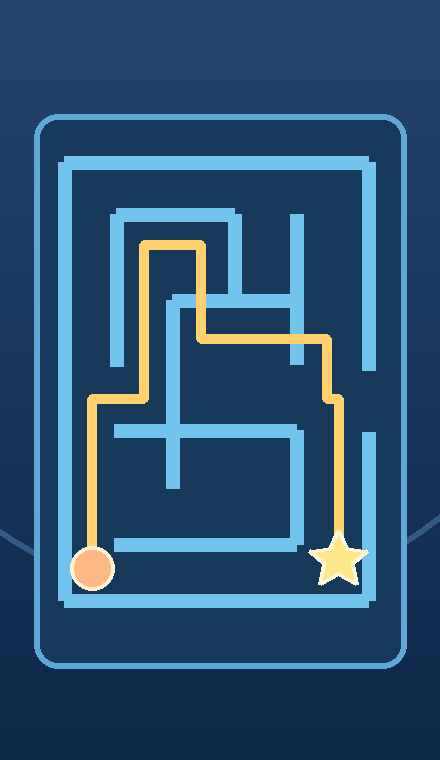 CONCEPT ILLUSTRATION
An AI game idea to try in Google Playground
A small fixed-grid maze with one clear exit.
Move a dot one cell at a time, avoid walls, and reach the exit.
Original concept art shows intended gameplay, not a generated game screen.
Copy this starting prompt, open Google Playground, paste it into a new game, and select Generate.
Create a single-player top-down maze game on a small fixed grid. The player controls a dot with the arrow keys, moving one cell at a time. Walls block movement. Include one clearly marked starting cell and one exit cell. Design a small maze with a valid path from the start to the exit. Count only successful moves. Reaching the exit ends the round and shows the move count. Include simple instructions, a start button, and a restart button that resets the same maze. Do not add enemies, timers, random maze generation, collectible keys, or multiple levels.
Untested prompt idea. The game described here is an intended result, not a verified Playground output.
For a game you've already created, copy one edit instruction and paste it into Playground's edit interface. Use one at a time.
Change only the visual theme to a tiny space station while keeping the same maze layout, movement rules, and exit condition.
Add a small visible trail to cells the player has already visited. Keep the maze layout and all movement rules unchanged.