Edit 1 — Underwater classroom
Change only the visual theme to an underwater classroom. Keep every question, answer, scoring rule, and button flow unchanged.
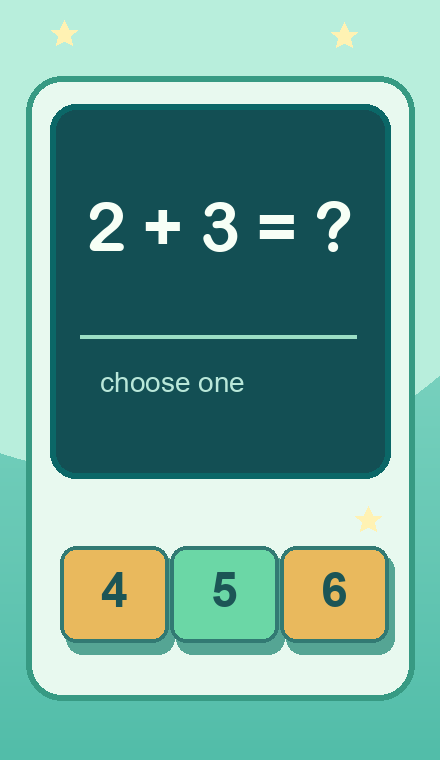 CONCEPT ILLUSTRATION
An AI game idea to try in Google Playground
A five-question arithmetic quiz with simple multiple-choice answers.
Choose one answer for each question and see your score out of five.
Original concept art shows intended gameplay, not a generated game screen.
Copy this starting prompt, open Google Playground, paste it into a new game, and select Generate.
Create a single-player multiple-choice quiz using these five questions and correct answers: 2 + 3 = 5; 4 + 4 = 8; 9 - 2 = 7; 3 × 2 = 6; 10 - 6 = 4. For each question, show the correct answer and two distinct incorrect numeric options in shuffled order. Allow one answer per question. Give one point for a correct answer and zero for an incorrect answer. Show the correct answer after each response, then offer a Next button. After five questions, show the score out of five and a restart button. Include a start screen. Do not add a timer, grades, accounts, or external APIs.
Untested prompt idea. The game described here is an intended result, not a verified Playground output.
For a game you've already created, copy one edit instruction and paste it into Playground's edit interface. Use one at a time.
Change only the visual theme to an underwater classroom. Keep every question, answer, scoring rule, and button flow unchanged.
Add a simple progress label such as Question 2 of 5. Do not change the questions, scoring, or order of interaction.