Edit 1 — Toy shelf theme
Change only the visual theme to a tidy toy shelf. Keep all shapes easy to distinguish and all quiz rules unchanged.
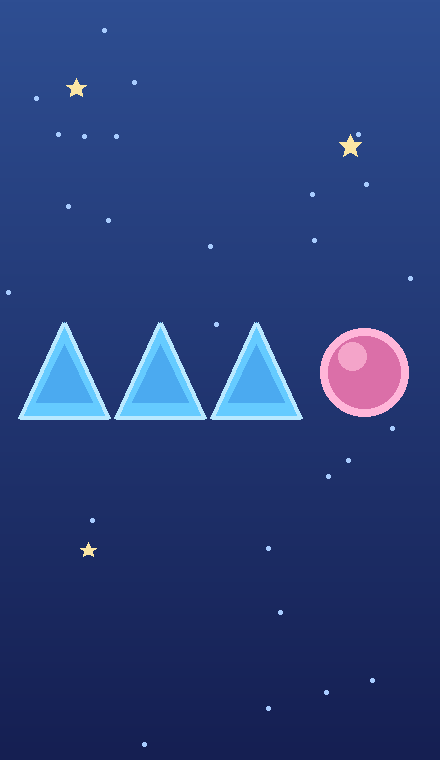 CONCEPT ILLUSTRATION
An AI game idea to try in Google Playground
A ten-round shape quiz where one symbol is different.
Pick the odd shape in each row and score one point for each correct choice.
Original concept art shows intended gameplay, not a generated game screen.
Copy this starting prompt, open Google Playground, paste it into a new game, and select Generate.
Create a single-player visual quiz with 10 rounds. In each round, show a row of four same-size symbols: three identical shapes and one different shape. Use circles, squares, and triangles. Randomize the position of the different shape. The player clicks one symbol. A correct choice earns one point; an incorrect choice earns zero. Allow one choice per round, highlight the correct symbol, and show a Next button. After 10 rounds, show the score out of 10 and Restart. Include a start screen and concise instructions. Do not rely on color differences, add a timer, or use external APIs.
Untested prompt idea. The game described here is an intended result, not a verified Playground output.
For a game you've already created, copy one edit instruction and paste it into Playground's edit interface. Use one at a time.
Change only the visual theme to a tidy toy shelf. Keep all shapes easy to distinguish and all quiz rules unchanged.
Reduce only the number of rounds from 10 to five. Update the final score denominator and progress display accordingly.